How to Use Poshan Calculator: Step-by-Step Guide (2026)
Intro
Whether you are an Anganwadi worker or a parent, this question might have crossed your mind while using the Poshan Calculator: how these results are actually decided. Even after a few days of research, I noticed that many users are also facing problems while using the online calculator.
Don’t worry, you’re on the right page. Here, we will break down everything about how to use Poshan Calculator online step-by-step, what each indicator measures, and how to read your child’s results with confidence.
Understanding the UI Before Using the Tool
Our Poshan Calculator has a clean and simple user interface with 5 switching tabs. Each tab performs a different job. Let’s discuss this in the following.
htmlChild Growth
This is the main tab to check the full growth of a child. Enter the age, height, and weight.
Weight-for-Age
This feature compares a child’s weight with the expected range for their age.
BMI
It is used to calculate Body Mass Index from height and weight.
SAM/MAM
The SAM/MAM tab is used for malnutrition screening, where MUAC matters most.
WHO Reference
This tab shows the WHO growth standard tables so you can see what each result category means.
How to Use Poshan Calculator: 5 Things You Need Before You Start
Before using Poshan Calculator these 5 things must be required for correct results. If you enter a guessed data like childs age is 4 year 2months but you enter the age 5 years or 4 years calculator will show you the color result and that color will be a lie.

Date of Birth
Enter the exact childs age. The calculator counts the child’s exact age in months from this one date. If you entered one month wrong, and it picks the wrong WHO table. I have seen a green turn yellow over a single wrong month. So open the register or the MCP card, read the date with your own eyes, then type it.

Gender
Many people consider it a trivial matter that selecting the wrong gender can lead to an incorrect result, but it is a fact. Who made a separate WHO growth table because a height that’s perfectly normal for a girl can be short for a boy of the same age.
Height
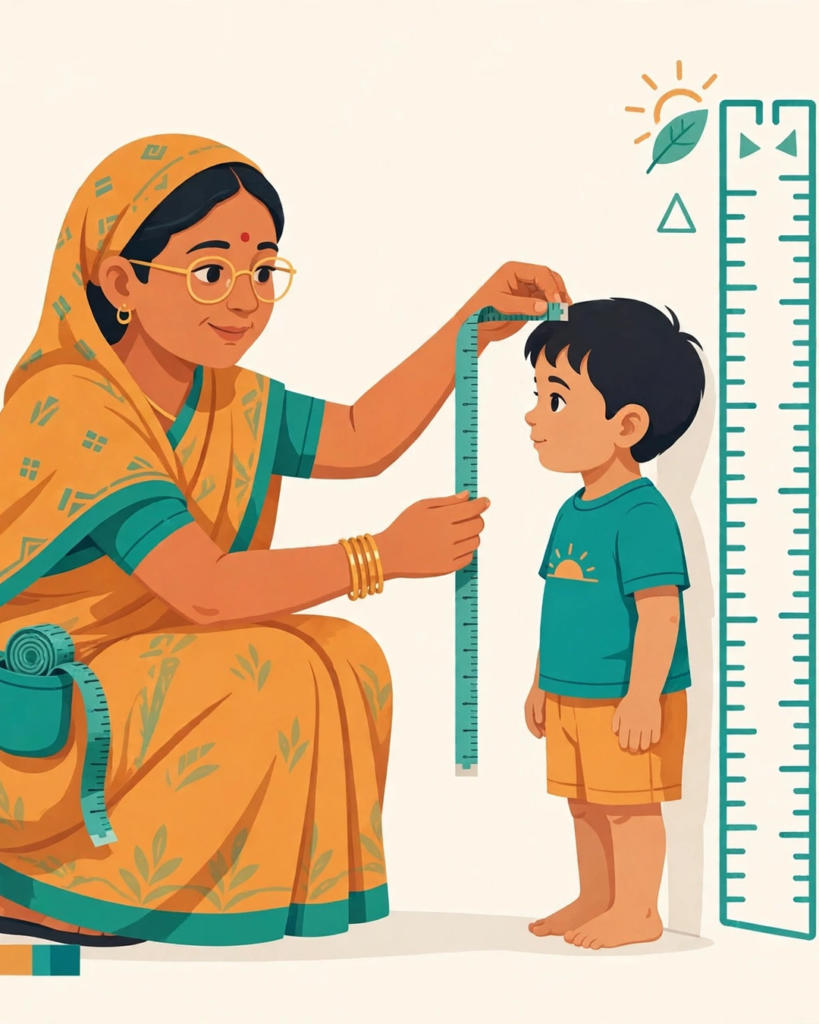
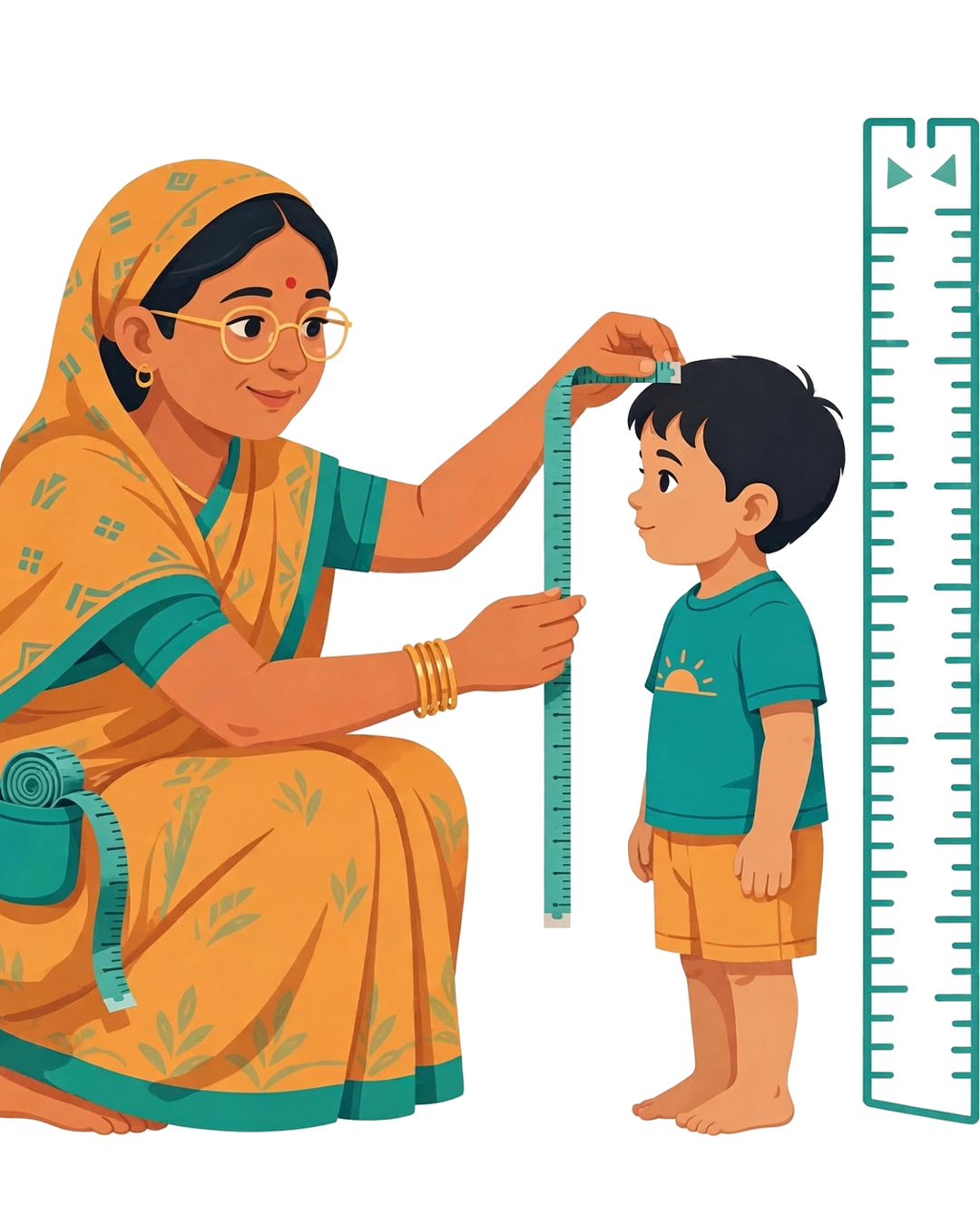
In our social research, this is where we see the most mistakes. If the baby is below 2 years, measure the length with the baby lying down. Above 2 years, measure the height with the child standing straight. And remember our calculator accepts only centimetres. If your tape is in inches, convert to cm before typing, otherwise the result will look correct on the screen but be completely wrong.
Weight
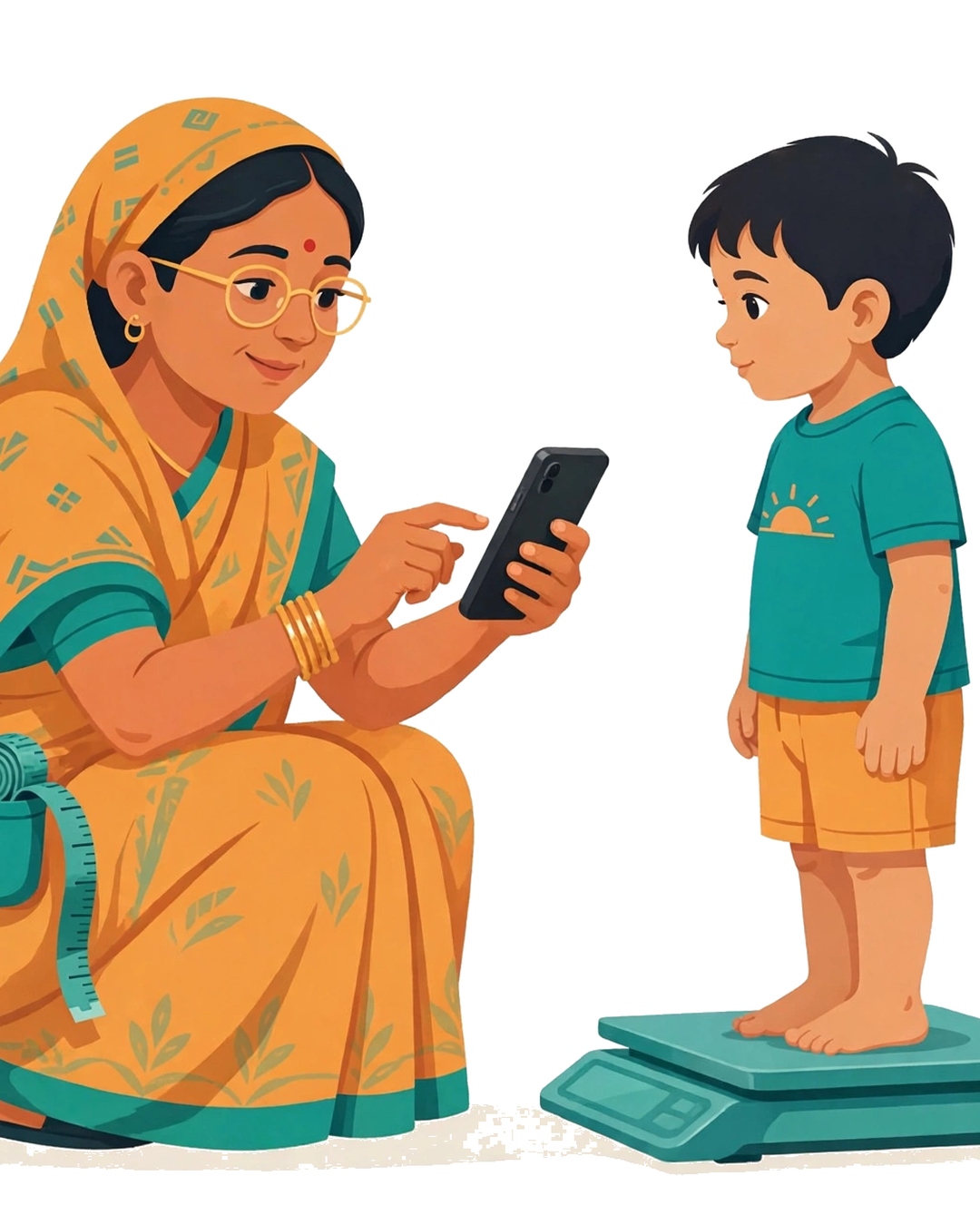
Measure the length between 2 years of baby by lying down and measure the lenght above 2 years old by standing straight. The calculator accepts only centimetres, so convert inches to cm before typing; otherwise, the result will look correct but be completely wrong.
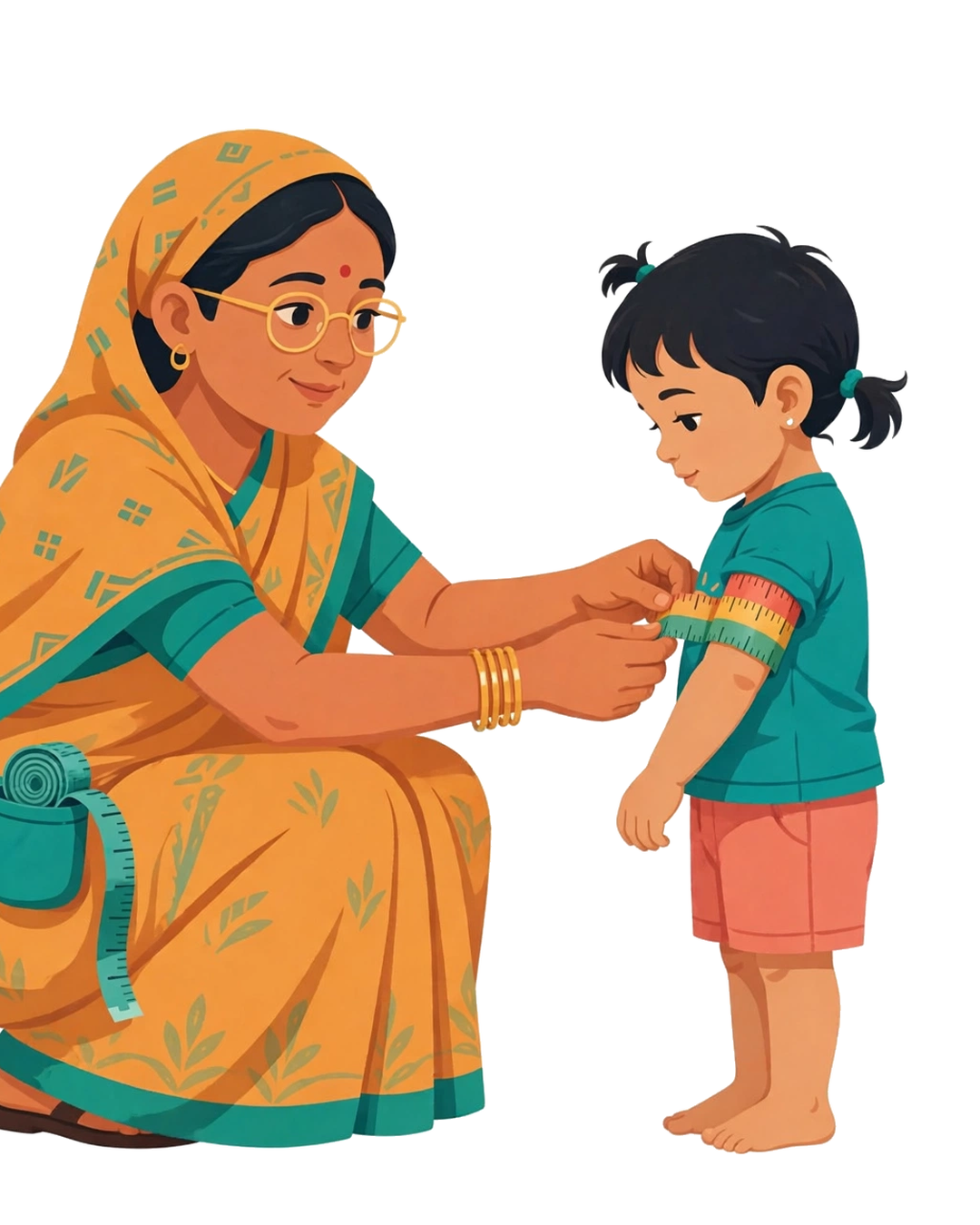
MUAC
If a child is not eating properly, the first sign is the thinning of their arm. That is why the arm is checked using the MUAC method by wrapping a tape around it. The calculator needs it only for children between 6 and 59 months.
What Do HFA, WFA, WFH, BMI and MUAC Mean?
Poshan Calculator looks at the child’s health five different ways, and each way answers one basic question about growth.
| Indicator | What it checks | What a low value means |
|---|---|---|
| HFA | It checks if the chil height is right for his age. | If child height is too short, it is called stunting, which means the child has not had enough food for a long time. |
| WFA | It checks if a child’s weight is right for their age. | If the weight is too low, it is called underweight, which means the child may not be eating enough. |
| WFH | WFH finds out whether the child’s weight is right for their height. | If the weight is too low for the height, it is called wasting, which means the child had too little food recently or was ill. |
| MUAC | It is the tape reading around the middle of the upper arm, taken only for children from 6 months to 5 years. | If the child’s arms are thin, this urgent warning sign (SAM or MAM), and such a child should be referred to a doctor. |
| BMI | It’s just a simple number from weight and height that tells you whether the body is thin or healthy. | If the BMI is low, the child is thin. If it’s opposite to first, the child may be gaining too much weight. |
Why Small Measurement Errors Change Results
During research our team found that type of comments on different social platforms in which many people says like. “Ek-do cm se kya farq padta hai?” “Bacha ro raha tha, jaldi jaldi kar liya.” “Tape thodi dheeli thi, lekin lag to rahi thi na”. Remember! The Poshan Calculator does not forgive small errors, because the Z-score does not forgive them either.
How to read your color-coded results
The WHO and UNICEF jointly adopted a color-coded system in 2007 so that everyone could instantly understand the results; this is because the colors red, yellow, and green are interpreted the same way worldwide. You do not need a degree or formal education to understand these colors. Below, we will discuss them in detail.
Green Color
green color is the sign of good news everywhere, When you see green, it means the child is in normal range. The childs growth is on tracking dont be worry.
Yellow Color
If you are tracking your child’s growth yellow color appears in the result box. It means the child needs attention. It is the right time to take care of your child and with the passage of time recheck the measurements.
Red Color
it means the child needs urgent care. Urgently refer your child to hospital for better health treatment.
Why Trust Us
Official WHO Standards
We use official WHO growth standards. Our calculator does not invent numbers. It runs on the WHO Child Growth Standards (2006), the same ones doctors use around the world. You can see the tables yourself in our WHO Reference tab.
Fully Open Method
Our method is fully open. There is no black box here. Every Z-score comes straight from the WHO tables, so what you see is exactly what the science says.
Private by Design
Your data never leaves your phone. The calculator runs entirely in your browser. No child data is sent to any server, and you do not even need to enter a name.
Built for the Field
We built it for the field. This tool was made for Anganwadi workers and parents, not for offices. It is simple enough to use in any village, on any phone.
Free, Always
It is free, always. There are no fees, no signup, and no hidden conditions. Our only goal is that every child gets measured correctly.