Poshan Tracker App 2026: Features, Download and Login Guide
Is your child growing well, and how would you know? The Poshan Tracker App is the government app Anganwadi workers use to check a child’s growth, ration, and home visits on one screen, and this guide shows you what it does, how to download it, and how to log in to it
This app has a clean interface with real-time data. It offers MPIN login for workers, a migration module for families that move, a Supportive Supervision module for in-app monitoring, and a Nominee Module that was added recently. In short, the Poshan Tracker App shows a worker the full picture of a child’s health on one screen, and helps her decide the next step right away, without waiting for a monthly report.
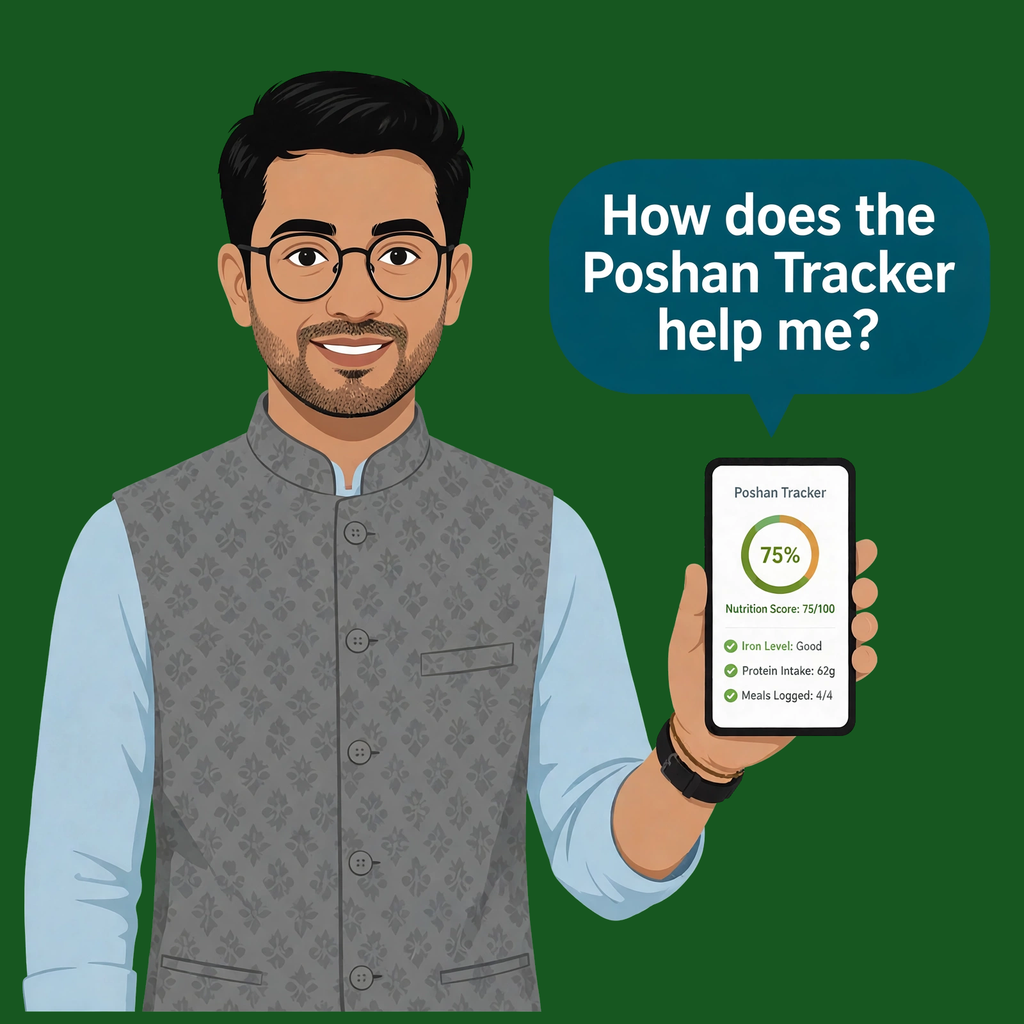
What is Poshan Tracker App?
If you are tired of making repeated visits to the Anganwadi center yet still have no information about your child’s health or nutrition, do not worry. The Government of India has officially launched the Poshan Tracker system to track the nutrition of pregnant women, mothers, and children.
Poshan Tracker is a governance-based tool under Saksham Anganwadiand Mission Poshan 2.0. This system was designed to ensure that children who were often overlooked during government health campaigns are no longer left out. Now Anganwadi workers perform better public service by using a mobile app for child nutrition tracking instead of filling 11 paper registers by hand.
Key Features of the Poshan Tracker App
While the Tracker has stood out in the digital age for health-related activities, the system also includes features that further strengthen this nutrition-tracking platform. Let’s understand these features in simple terms.

Real-Time Data Entry
Anganwadi workers use the ‘Poshan Tracker’ to record a child’s details on the spot, which are then uploaded to the system that same day. If there is no internet connection, the app stores the data locally on the mobile device; once the connection is restored, this data is automatically transferred to the system. This minimizes the risk of data loss, while also allowing Anganwadi workers to record a wide range of information—from a child’s weight to details regarding nutritional supplements.

Beneficiary Profiles
Within the app, a separate digital record is maintained for each mother and child, containing all essential information—such as name, age, height, weight, gestational age (weeks of pregnancy), details of the last medical check-up, and even the expected date of delivery. Anganwadi workers can access all previously entered data and records in one place. This eliminates the need to repeatedly ask the same questions, allowing them to easily assess the health of the mother and child. These records are linked to the Aadhaar card; if a family moves to another area, their existing records are transferred along with them.

Aadhaar-Linked Access
Each record is linked to Aadhaar, so no two people get mixed up, and no one goes missing from the list. Almost 99 in every 100 records are verified with Aadhaar. A face check makes sure the right person gets the ration, and in June 2026, about 98 in every 100 people matched their face check. If a mother cannot come to the centre, she can send a nominee, a person she trusts, to collect her ration.

Dashboards for Monitoring
On one screen, the supervisor can see which centres are doing well and which need help. The supervisor can check the worker’s records during a visit. Nothing stays hidden, because every entry is on the screen the same day it is made.

Monthly Progress Reports
At the end of the month, the app turns daily work into the month’s report. No one has to sit late and make the report by hand. The report shows the full month in one place, and the supervisor can see it without asking any worker for it.
How to Download Poshan Tracker App and Login Access Guide
It is an official and government-trusted resource that is available on the Google Play Store. Avoid downloading the Poshan Tracker app from any APK website because copycat websites can steal your personal data. Follow these steps to download the app and log in to start your work.
Step 1: Open the Play Store on your mobile with Android 7.0 or later.
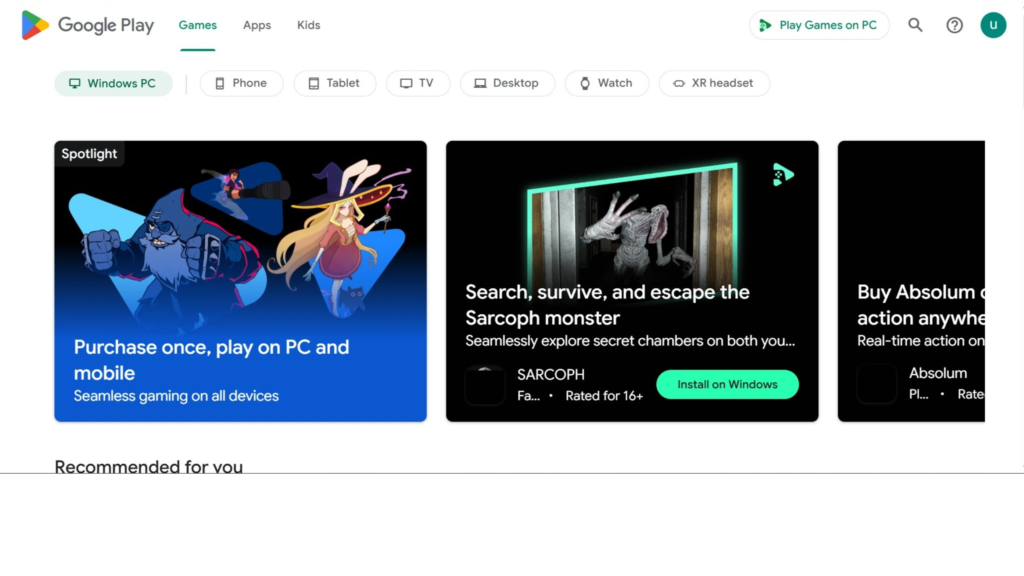
Step 2: Search for the “Poshan Tracker app” in the search bar and press ok.
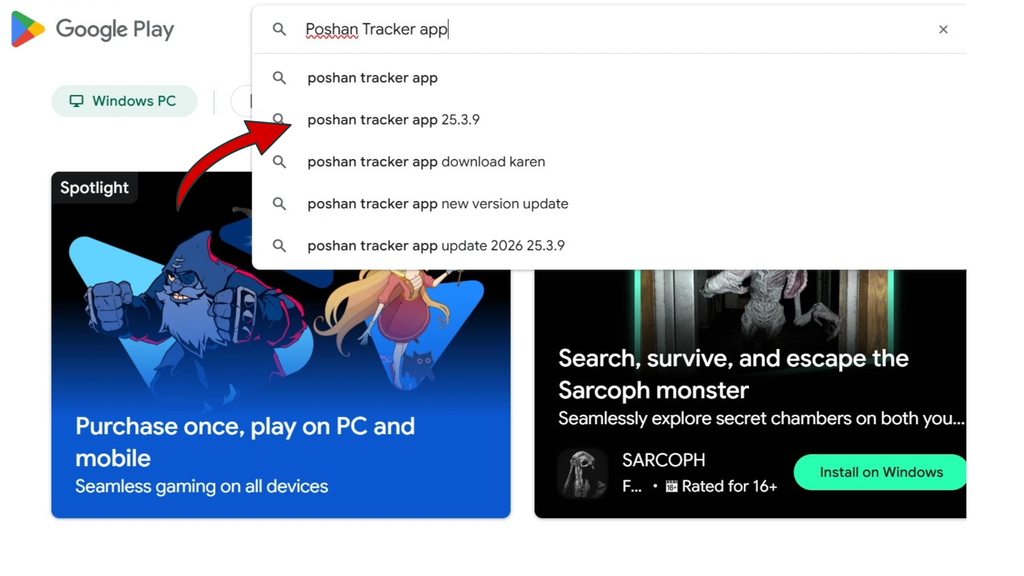
Step 3: After the search results appear, find the official app and install it.
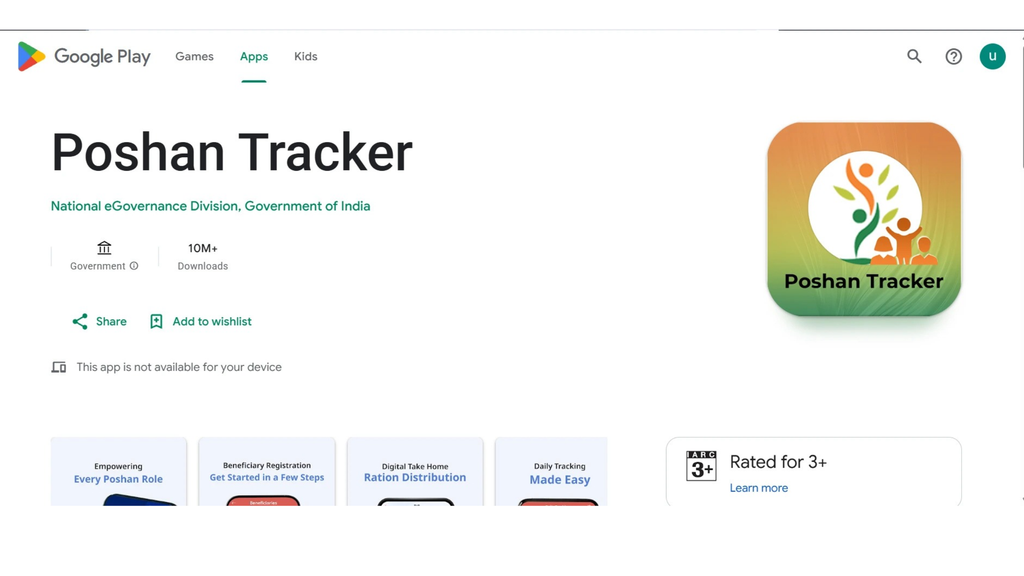
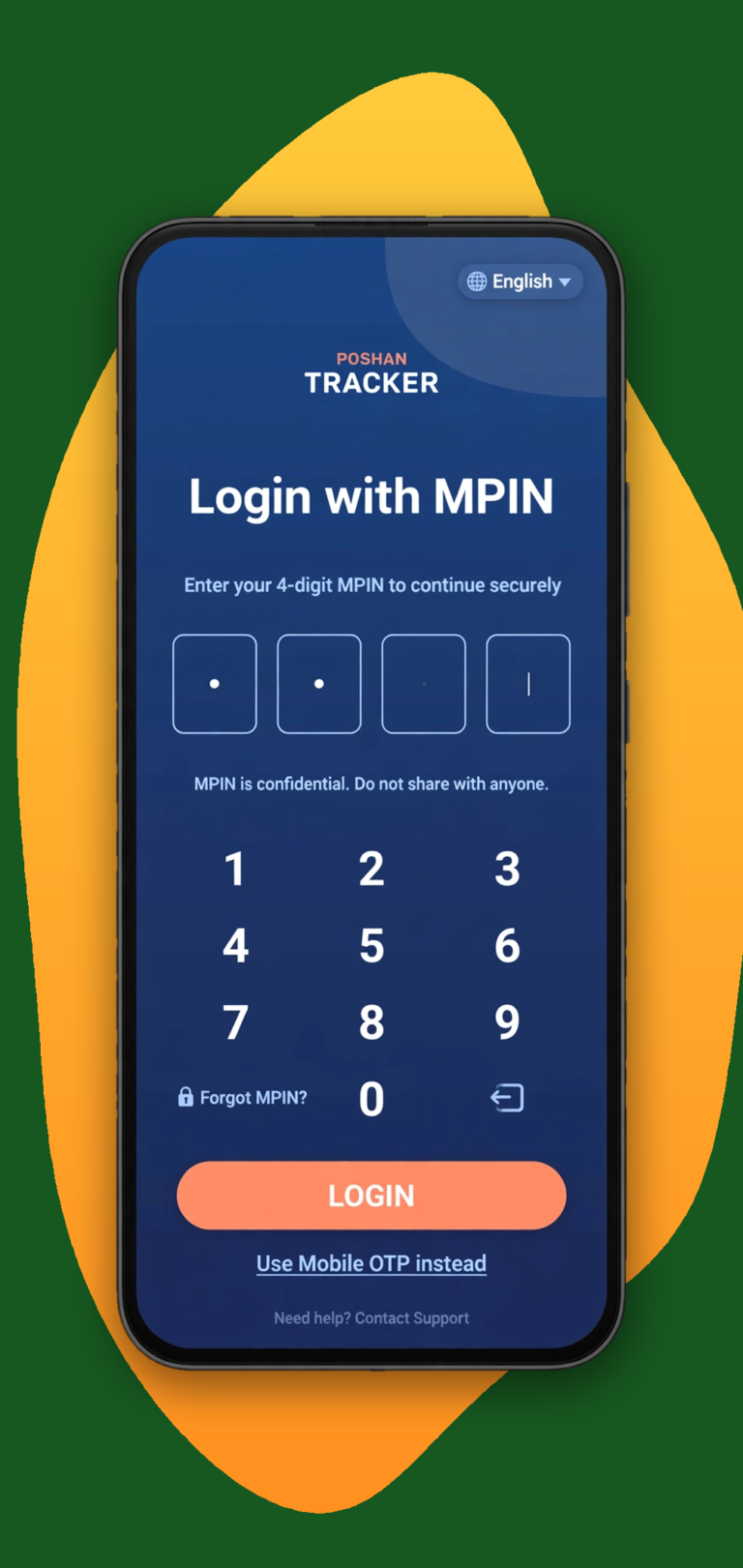
Step 4: Now open the app and log in with MPIN. The MPIN login is for registered Anganwadi workers only. Now the app is working.
Quick Tip
First login needs internet. Do the first MPIN login with the internet on. After that, the app works offline and syncs your entries when the signal comes back.
Who Uses this Tracker App?
If you are a parent, you will be disappointed because the Poshan Tracker app is not for everyone; this app is built for those who run India’s nutrition system.

For Anganwadi Workers & Supervisors
The Poshan Tracker has proven to be the most helpful innovation of this century for Anganwadi workers, as it eliminates the need for them to carry bulky registers into the field. Using only their mobile phones, they log into the app to assess children’s height and weight, and inform their caregivers about the next steps in their care.

District and State Officials
District and state officials use it to collect data from every district or state, without visiting each centre in person.

For Government Data Collection & Monitoring
At the top level, the app is the government’s data collection system. Every entry a worker makes- a child’s weight, a ration packet, or a home visit- travels up from the centre to the block, the district, the state, and finally the national dashboard. That is how the government knows, centre by centre, how India’s children are growing, and where help is needed most.
How to Log in to the Poshan Tracker Portal
There are three ways to log in, and each one is for a different person. Anganwadi workers use the app on their phones with an MPIN. Beneficiaries use the Beneficiary Login on the web portal with a mobile number and OTP. Department officials use the Department Login on the same portal with an email address, a password, and a security code. Follow the steps below.
Beneficiary Login Guide
A pregnant woman, a new mother, a parent or guardian of a child under 6, or a teenage girl can use this login. The only condition is that your mobile number is the one registered at your Anganwadi centre. If the number is not registered, the OTP will never arrive. You do not need a password, and you do not need to install the app.

Step 2: Click on “Beneficiary Login”

Step 3: Enter your mobile number

Step 4: Enter the OTP you receive and tap Submit

After logging in, you can see your own record. It shows your services, your food packets (Take-Home Ration), cooked meals at the centre, your child's growth, weight gain during pregnancy, and home visits.
Department Login Guide
This login is for department officials and staff only. Anganwadi workers do not use this login. They do their daily work in the app on their phones with an MPIN.
Step 2: Click on “Department Login”

Step 3: Enter your username and password

Step 4: Click on “Sign In”

This login opens the department side of the portal for officials and staff. It is not the worker’s daily work screen. Daily entries, growth measurements, and home visits are recorded by workers in the app.
Ministry of Women & Child Development, Govt. of India
Common Problems and Solutions
| Problem | Solution |
|---|---|
| OTP not received | Check your signal → tap “Didn't receive OTP?” → wait a few minutes and try again |
| Wrong number entered | Go back → type the registered 10-digit number again |
| OTP expired | Tap “Resend” → use the new code quickly |
| OTP goes to an old number | Ask your Anganwadi worker to update the number in your record → try again after it is corrected |
| Still not working? | Ask your centre supervisor to check the number registered in the system |
How this Tracker Supports Administration for District and State Management
Poshan Tracker is not only a child monitoring tool it brings accountability to the nutrition programme, from the block to the district and state through real-time analysis.
In June 2026, the government shared a number in Parliament. Out of 4.37 crore people who get Take-Home Ration, 9,32,322 had not matched their face check. That is about 2 in every 100 people. That number did not come from a survey. It came from the Tracker itself. These numbers come from the government’s own reply in Parliament, so they are official. This is what the Tracker gives to the administration.
At the block level, the officer can see which centres have unmatched cases and send help to those centres first, instead of waiting for a complaint. The officer can follow each unmatched case until it is fixed. At the district level, the officer can compare one block with another on the dashboard. At the state level, the officer can plan with this data and send more staff and more resources to the districts that need it most. Next month, the state can check the new numbers and track the progress.
The Tracker also helps with daily service delivery. Every ration packet and every home visit is recorded on the same day. The officer can check whether the services reached the people, and nothing stays hidden. The app also works where the signal is weak, so the work does not stop.
FAQS
Final Thoughts
It is a digital tool for measuring children better. When a worker measures a child, sees a yellow alert, and visits that evening to adjust feeding advice with the mother, the chart opens on her phone. One small visit like that prevents months of decline.
A worker who faces a problem can call the Poshan Helpline on 1515. It works from 9 in the morning to 6 in the evening, in 17 languages. A parent can check the record on the portal, and can check growth at home with the free Poshan Calculator on this site. The record and the calculator guide the next step, but they do not replace a doctor’s advice.